The Pocket Soundcheck Edit
There is a useful hour between an empty venue and a full one. With a simple card routine, it is enough time to turn a soundcheck clip into a finished post without opening a laptop on a sticky bar table.
Start with a job, not a bag of gadgets
The best backstage content is rarely complicated. A clean thirty-second clip of the room waking up, a close shot of a pedalboard, or the first chorus heard without a crowd can say more than an elaborate recap made three days later. The problem is not capturing it. The problem is moving the file from camera to phone while the moment still feels current.
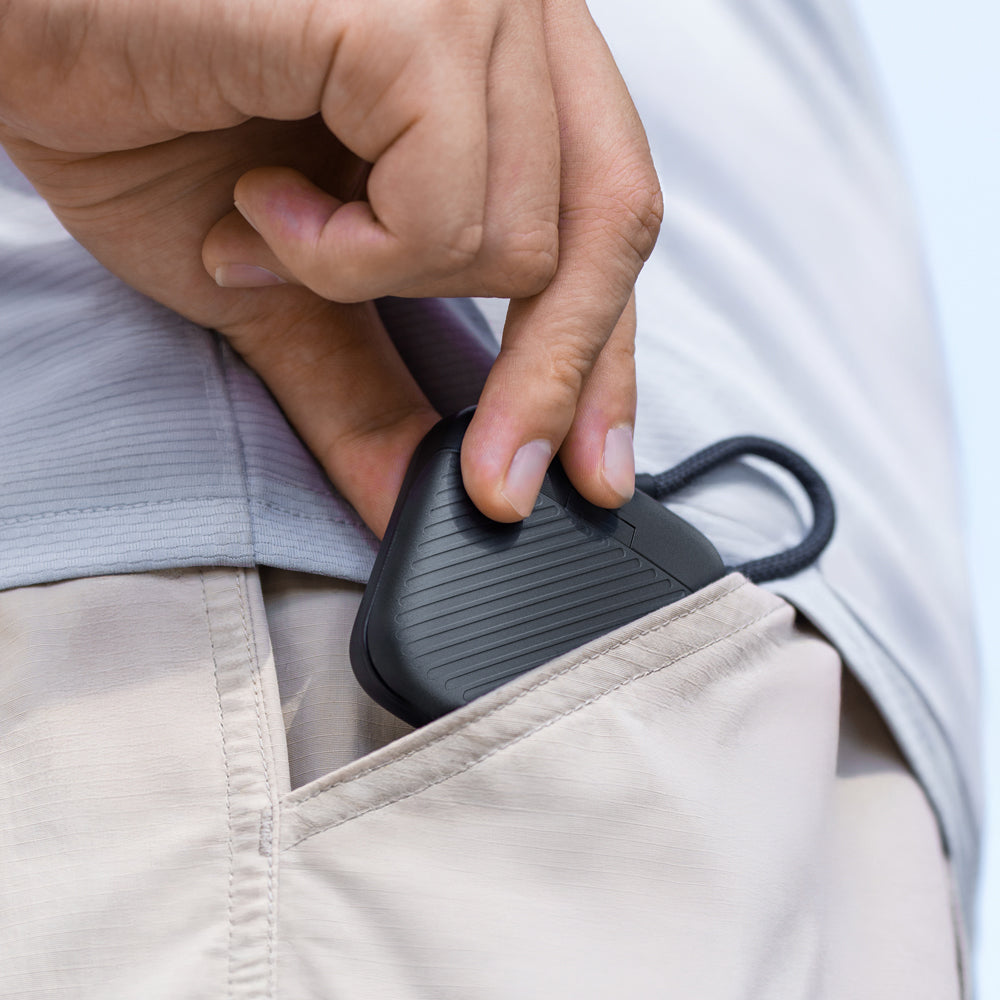
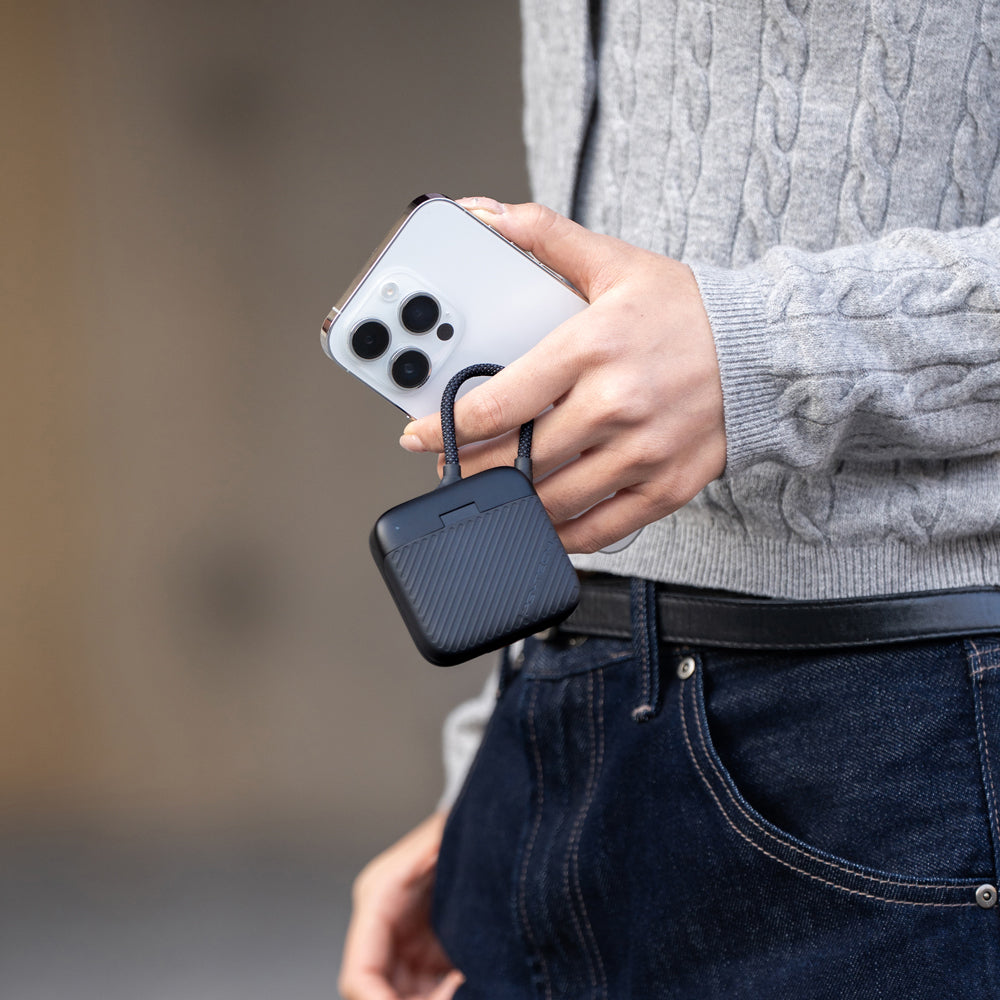
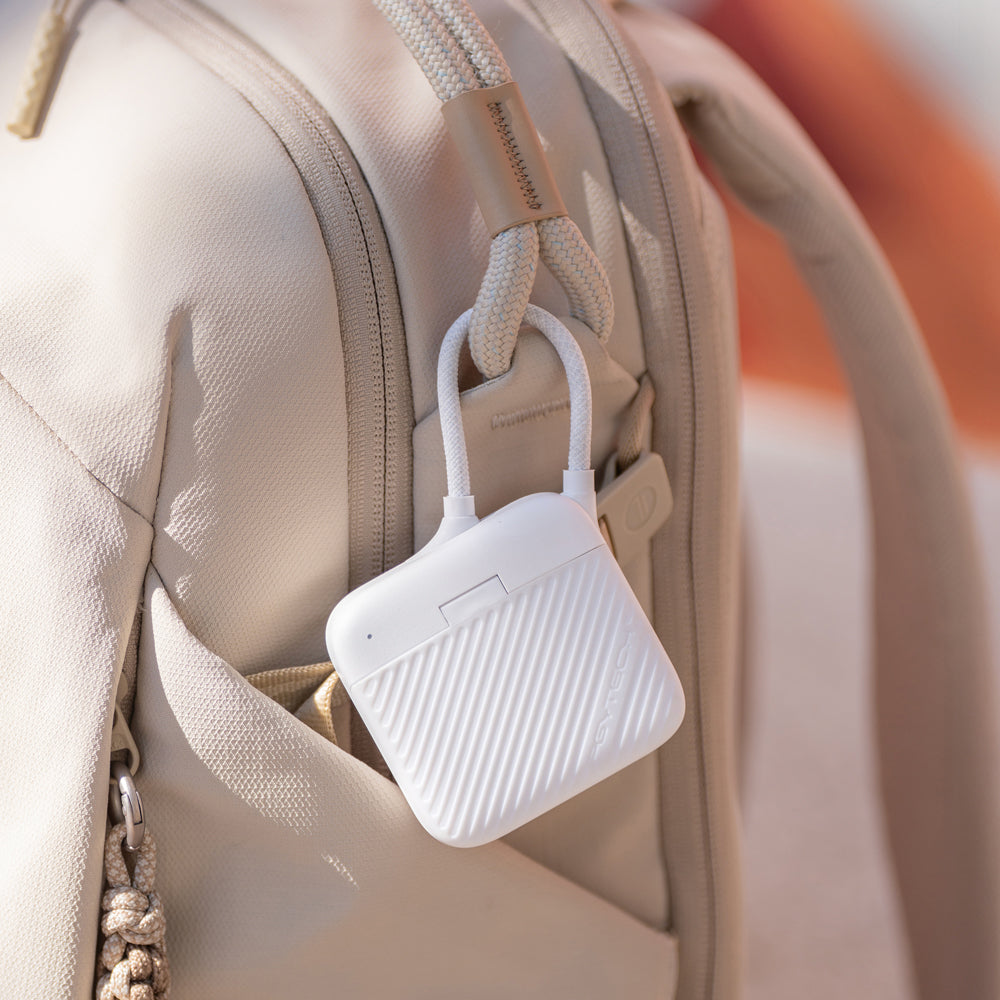
For this job, the useful kit is deliberately small: one camera, one lens, a phone, headphones, and a card reader that also gives the spare cards a fixed home. PGYTECH’s CreateMate Mini suits that stripped-back approach. It stores SD and microSD cards, connects over USB-C, and does not need its own battery. That makes it less like another device to manage and more like a bridge between the camera and the phone already in your pocket.
A forty-minute soundcheck workflow
This is not a recipe for filming the whole set. It is a compact routine for musicians, tour managers, and friends who want one polished piece ready before doors. The timing matters because every extra decision eats the quiet window.
Give every card a visible status
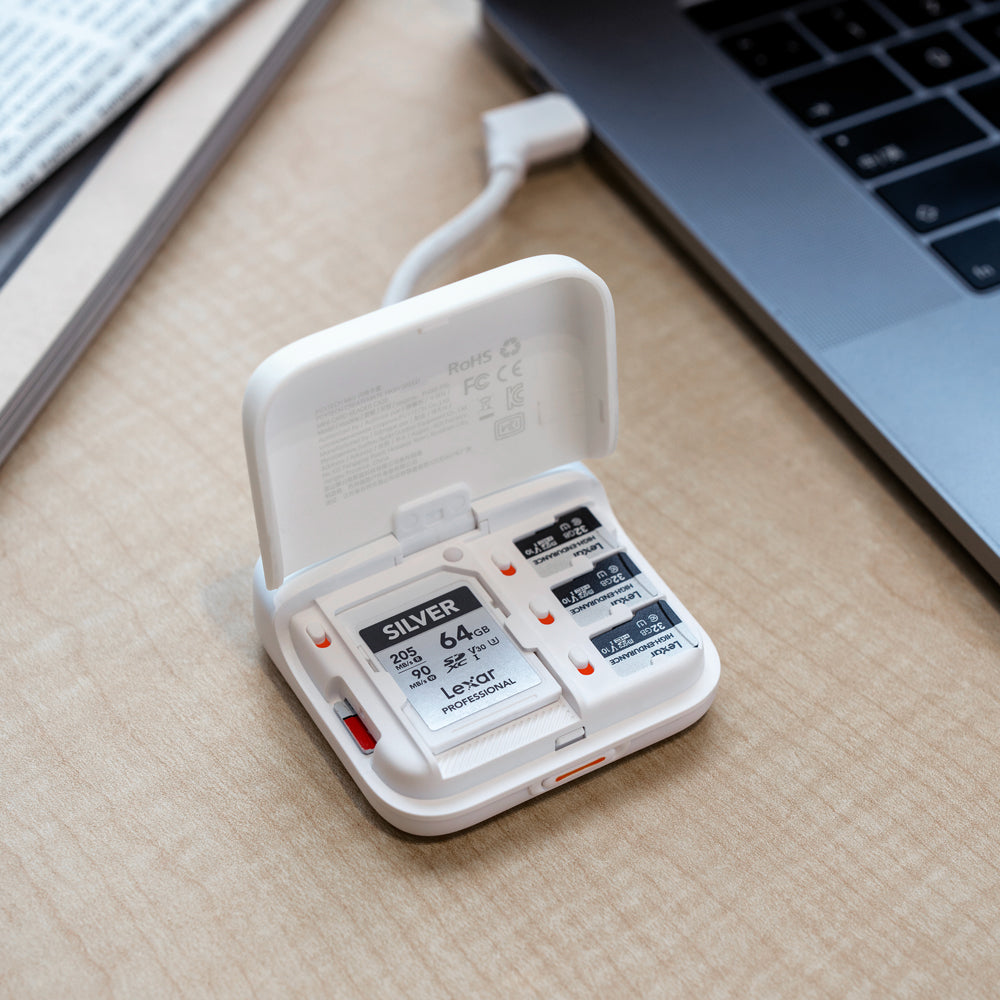
Small cards become stressful when their status lives only in memory. A reliable rule is more valuable than a larger card wallet: label one slot for ready cards and another for cards that contain the night’s work. Once a card moves to the used side, it does not return to a camera until the files exist in two places.
The Mini’s storage capacity is enough for two SD and four microSD cards, which is plenty for a lean live-music setup. It can read SD and microSD simultaneously, but the real benefit is less technical: the cards stop floating between a jacket, a camera pouch, and the hotel desk.
Know what the phone can actually do
A USB-C connector is not a promise that every phone will behave the same way. The phone or tablet needs to support OTG file access, and Lightning-port iPhones are not directly compatible with this USB-C setup. Test the exact camera card, phone, editing app, and export settings at home before depending on them at a venue.
File size matters too. The advertised transfer rate is a ceiling, not the time your real edit will take. A handful of selected clips will move quickly; a full card of high-bitrate footage may swallow the entire gap between soundcheck and doors. Selective copying is the habit that keeps this workflow practical.
The night-before check
- Format the camera card only after the previous job has two verified copies.
- Confirm the phone sees both the card and its folder structure.
- Leave enough free phone storage for source clips and the final export.
- Download the editing app’s music, fonts, and templates before leaving Wi-Fi.
- Pack wired headphones; Bluetooth delay makes quick audio checks harder.
Keep the edit honest to the room
Soundcheck footage works because it feels close. Do not polish away the scrape of a stand moving or the few seconds when the singer is waiting for the monitor mix. Choose one clean musical moment, but leave enough room tone to place the viewer in the venue.
The same restraint applies to the camera. A phone-ready workflow is most useful when it prevents content production from taking over the day. Capture with intention, transfer only what you need, make the post, and put the screen away before the actual show begins.